
Online MCQ Test on MS Word
Prepare for computer exams with our Online MCQ Test on MS Word. Practice the latest Microsoft Word multiple-choice questions designed for competitive exams such as CCC, O Level, Rajasthan Computer Instructor, NIELIT, SSC, Banking, Railway, CPCT, RSCIT, and other computer-based examinations.
This free MS Word online test includes important questions on formatting, editing, page layout, tables, mail merge, shortcuts, printing, document management, and other essential Microsoft Word topics. Each question comes with the correct answer and explanation to help you improve your understanding.
Best Approach Online MCQ Test
If you are preparing for a government or private exam that includes MS Office as a subject and are wondering where to begin, the mock test provided in this article is a great place to start.
Begin by taking the mock test and checking how many questions you answered correctly; getting even 20–25 out of 50 right is a good start. Next, review the questions you answered incorrectly and study the explanations to understand the underlying concepts. Then, take the mock test again—following this approach will definitely lead to success.
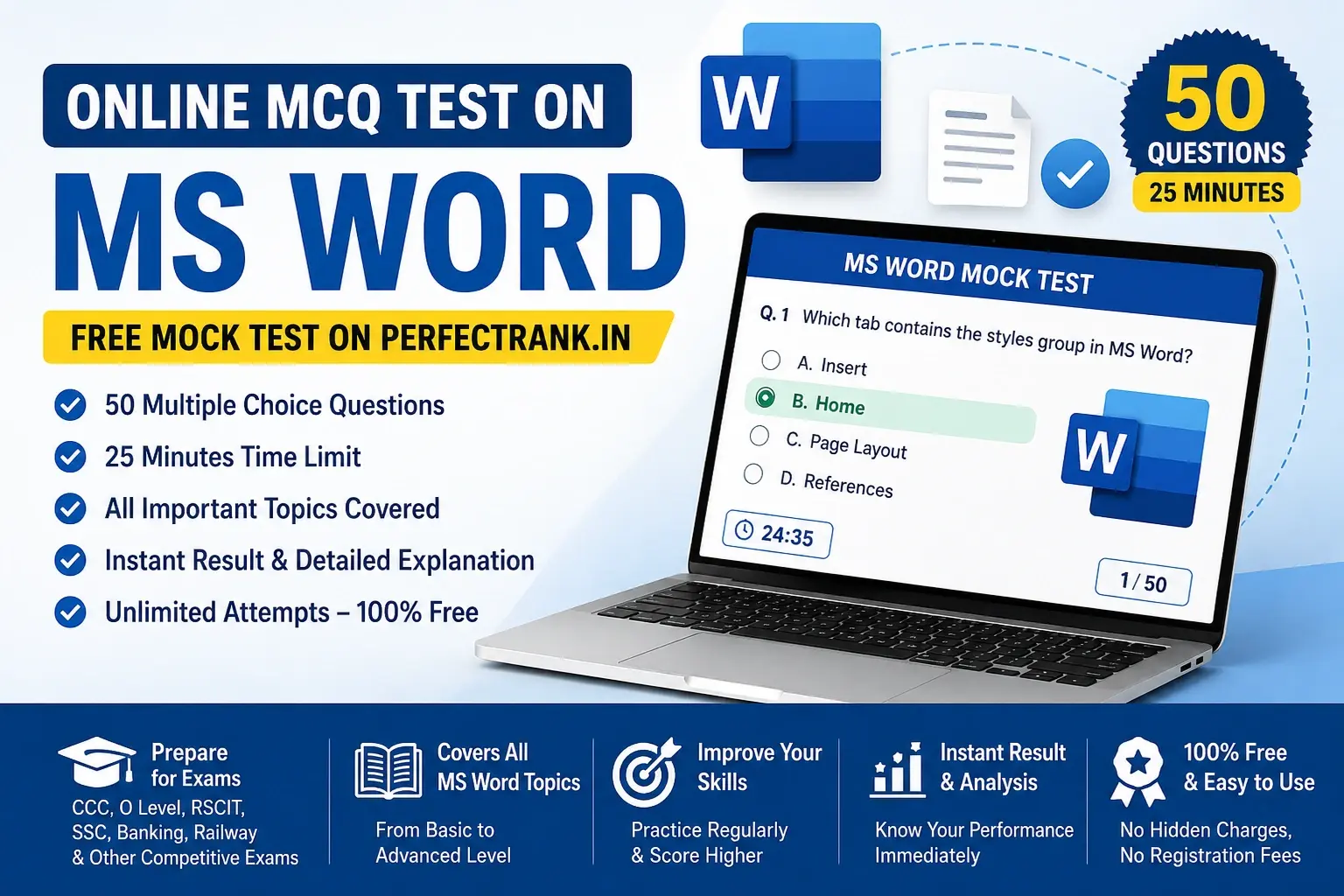
Online MS Word Mock Test Highlights
Why Practice MS Word MCQs?
Practicing Microsoft Word MCQs helps you:
- •Improve your computer knowledge.
- •Understand frequently asked exam questions.
- •Increase speed and accuracy.
- •Identify weak topics.
- •Boost confidence before the actual exam.
Topics Covered
Our Online MS Word Test covers:
Who Should Attempt This Test?
This MS Word online quiz is useful for candidates preparing for:
Benefits of Our Online MS Word Practice Test
If you are preparing for an exam that includes questions on MS Word, taking this online MCQ test will ensure you are well-prepared to answer them. The test is designed to cover all topics related to MS Word; it consists of 50 questions that must be completed within 25 minutes.
How to Take the Free Online MS Word Mock Test on PerfectRank
Taking the Free Online MS Word Mock Test on PerfectRank is simple and helps you prepare effectively for competitive exams. Follow these steps to attempt the test:
- 1Visit the PerfectRank website.
- 2Sign up for a free account or log in if you are already registered.
- 3Search for the Online MCQ Test on MS Word or navigate to the Computer MCQ section.
- 4Open the MS Word Mock Test page and carefully read the test instructions before starting.
- 5Click the Start Test button to begin the quiz.
- 6Answer all 50 multiple-choice questions within the 25-minute time limit.
- 7Once you have completed the test, click the Submit button.
- 8View your score, correct answers, incorrect answers, and detailed explanations instantly to evaluate your performance.
- 9You can attempt the test multiple times to improve your knowledge and achieve a better score.
Practicing the Online MS Word Mock Test regularly on PerfectRank helps you strengthen your understanding of Microsoft Word concepts and prepares you for exams such as CCC, O Level, RSCIT, SSC, Banking, Railway, Rajasthan Computer Instructor, and other computer-based competitive exams.
Others Exam Mock :
Frequently Asked MS Word Topics
Microsoft Word is one of the most important topics in computer-based competitive exams such as CCC, O Level,RSCIT, Rajasthan Computer Instructor, SSC, Banking, Railway, CPCT, NIELIT, and other government examinations. Below are the most frequently asked MS Word topics that you should study before attempting the exam.
1. Microsoft Word Interface
Questions are frequently asked about the basic interface of Microsoft Word. You should know the purpose of the Title Bar, Ribbon, Quick Access Toolbar, Status Bar, Navigation Pane, Scroll Bars, and Document Area. Understanding where different tools are located helps you answer interface-related questions quickly.
2. Ribbon and Tabs
The Ribbon contains all the commands used in Microsoft Word. Exams often ask questions about the different tabs and their functions.
You should also know the groups available under each tab such as Clipboard, Font, Paragraph, Styles, and Editing.
3. Text Formatting
4. Paragraph Formatting
5. Page Layout
6. Tables
- Insert Tables
- Delete Rows and Columns
- Merge Cells
- Split Cells
- Apply Table Styles
- Sort Table Data
- Convert Text to Table
7. Images and Shapes
8. Header, Footer & Page Numbers
- Insert Header
- Insert Footer
- Page Number
- Different First Page
- Remove Header and Footer
9. Mail Merge
10. Find and Replace
- Find Text
- Replace Text
- Replace All
- Navigation Pane
- Go To Command
11. Spell Check & AutoCorrect
- Spelling & Grammar
- AutoCorrect
- AutoText
- Thesaurus
- Translate
- Word Count
12. Printing Documents
- Print Preview
- Print Settings
- Number of Copies
- Page Range
- Duplex Printing
- Printer Selection
13. Document Protection
- Password Protection
- Restrict Editing
- Read-Only Mode
- Protect Document
- Digital Signature
14. Review Tools
15. Keyboard Shortcut Keys
| Shortcut Key | Function |
|---|---|
| Ctrl + A | Select All |
| Ctrl + B | Bold |
| Ctrl + C | Copy |
| Ctrl + D | Font Dialog Box |
| Ctrl + F | Find |
| Ctrl + H | Replace |
| Ctrl + I | Italic |
| Ctrl + N | New Document |
| Ctrl + O | Open |
| Ctrl + P | |
| Ctrl + S | Save |
| Ctrl + U | Underline |
| Ctrl + V | Paste |
| Ctrl + X | Cut |
| Ctrl + Y | Redo |
| Ctrl + Z | Undo |
16. Templates
- Resume Templates
- Letter Templates
- Calendar Templates
- Invoice Templates
- Built-in Templates
17. Document Views
- Print Layout
- Read Mode
- Web Layout
- Outline View
- Draft View
18. File Management
- Create New Document
- Open Document
- Save
- Save As
- Export PDF
- Share Document
- Close Document
19. SmartArt and Charts
- SmartArt Graphics
- Charts
- Shapes
- Icons
- Diagrams
20. MS Word Objective Questions for Competitive Exams
Competitive exams generally ask questions from all the topics mentioned above. Regular practice with mock tests helps you improve your speed, accuracy, and confidence. Attempting the Online MCQ Test on MS Wordregularly ensures that you become familiar with the latest exam pattern and the most frequently asked questions, increasing your chances of scoring well in exams such as CCC, O Level,RSCIT, Rajasthan Computer Instructor,SSC, Banking, Railway,CPCT, and other computer-based examinations.
Frequently Asked Questions (FAQs)
Is this MS Word online test free?▾
Yes. You can attempt the MS Word Online MCQ Test completely free of cost.
Are these MS Word questions useful for competitive exams?▾
Yes. The questions are suitable for CCC, O Level, RSCIT, Rajasthan Computer Instructor, SSC, Banking, Railway, and various government exams.
Can I attempt the test multiple times?▾
Yes. You can take the test as many times as you want to improve your score.
Will I get the answers after submitting the test?▾
Yes. After completing the test, you can view your score along with correct answers and explanations.
Ready to Test Your MS Word Knowledge?
50 Questions | 25 Minutes | Free | Instant Results
Start Test Now →